Capture and transcribe
Record, drop in an audio file or paste text. After a one-time download, transcription runs on your computer, not in the cloud.

AI TRANSCRIPTION · STUDIO & FOCUS WINDOWS PREVIEW
Record a conversation and WordHeld turns it into a transcript, notes and a mind map, all on your own computer. Every note links back to what was actually said, so you can check it.
WordHeld is being brought into NovaSoft Orbit. Until then it stays a Windows development preview with no public download.
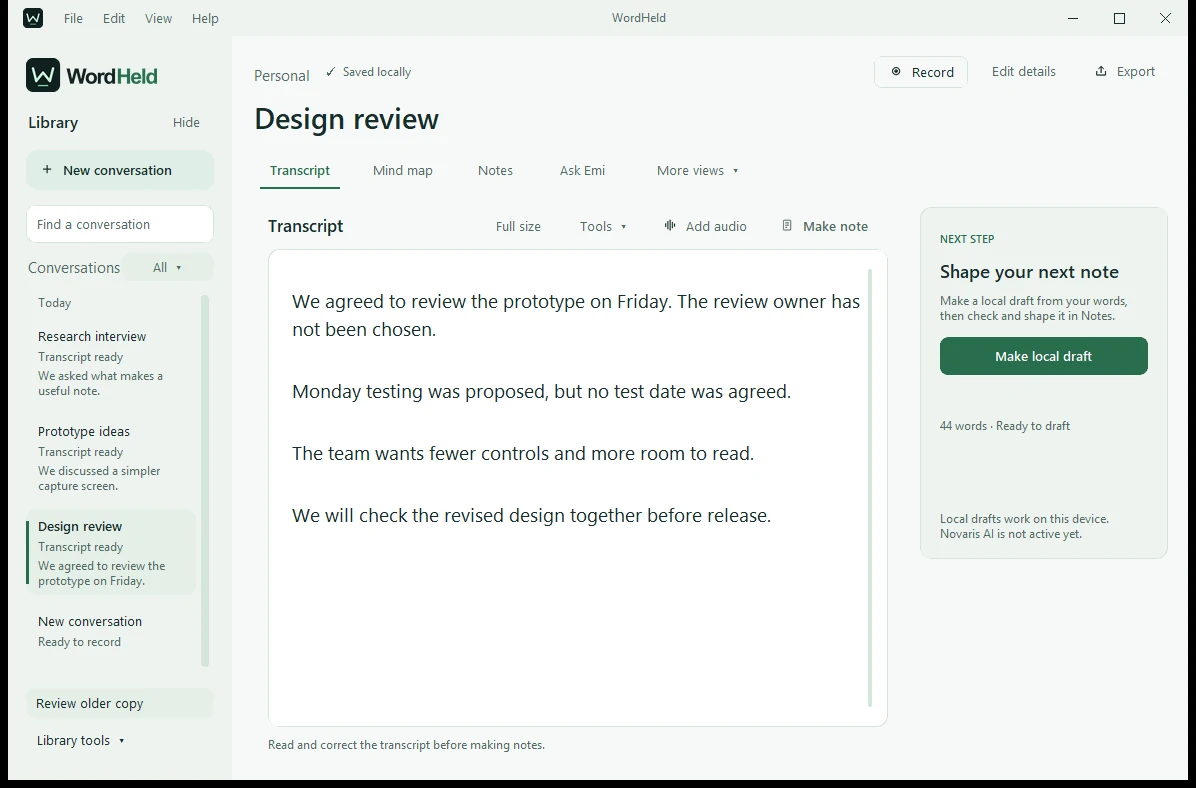
Windows preview · sample meeting · cloud AI not switched on
FROM CONVERSATION TO CONTEXT
Check the transcript and notes against the original recording.
Record, drop in an audio file or paste text. After a one-time download, transcription runs on your computer, not in the cloud.
Fix the transcript, edit notes, summaries and next steps, and rearrange the mind map. Click any topic to see exactly where it came from.
Search your saved conversations and jump straight to the right moment. Emi, the voice assistant, only listens when you ask it to.
THE NEWER LOCAL WORKSPACE
Windows development preview · fictional meeting data · no public installer
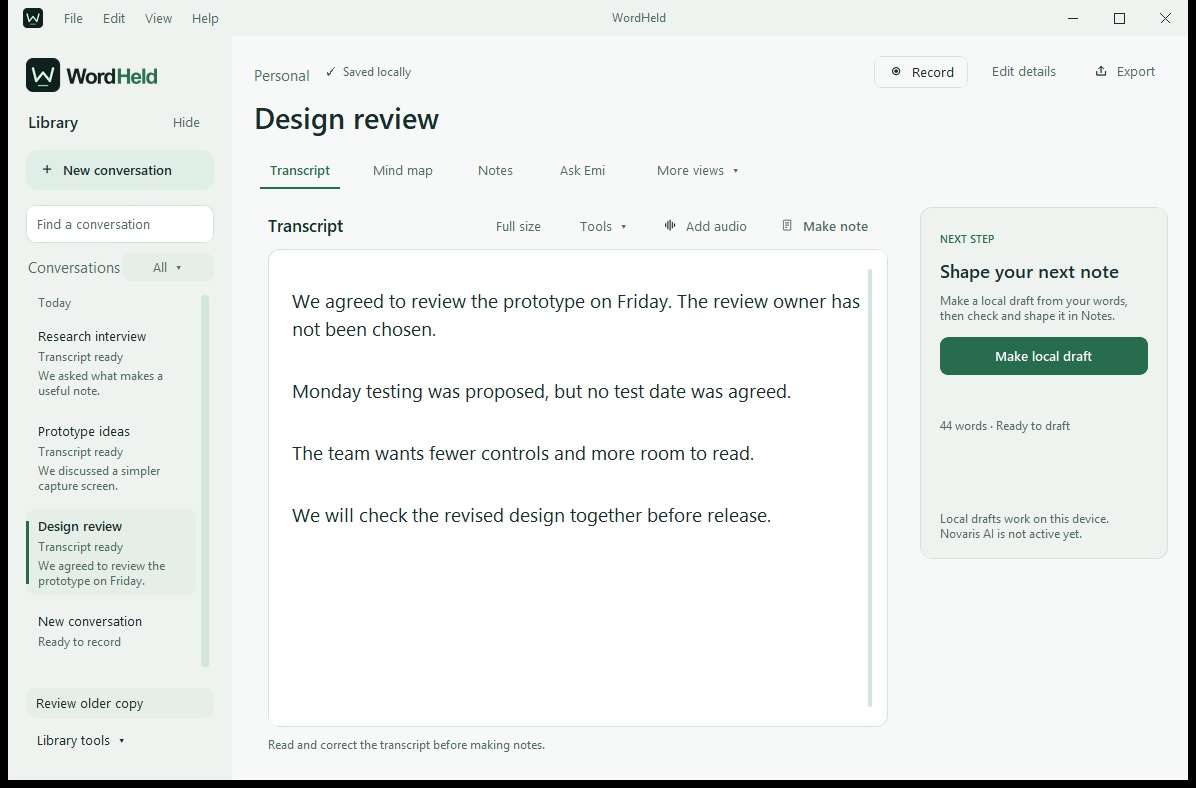
Read and correct the transcript in Studio.
Open full screenshot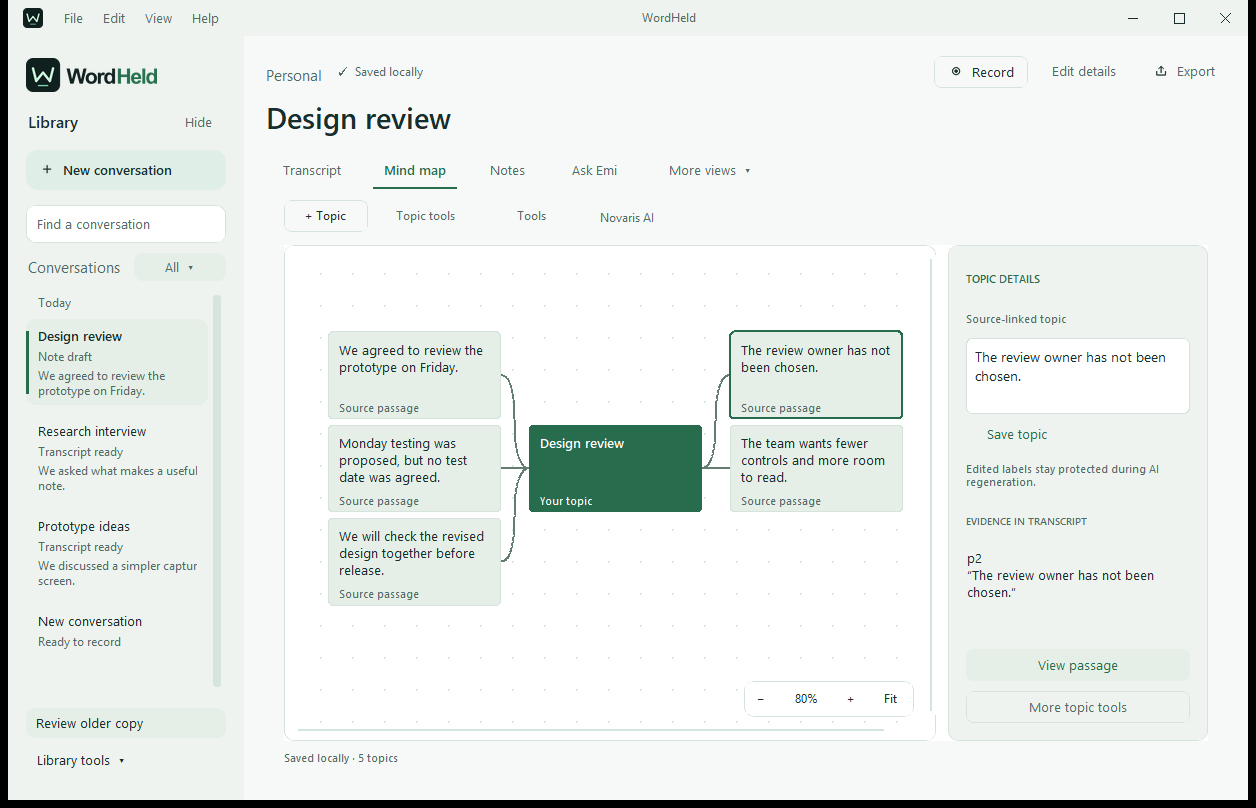
Edit topics and see the part of the transcript behind each one.
Open full screenshot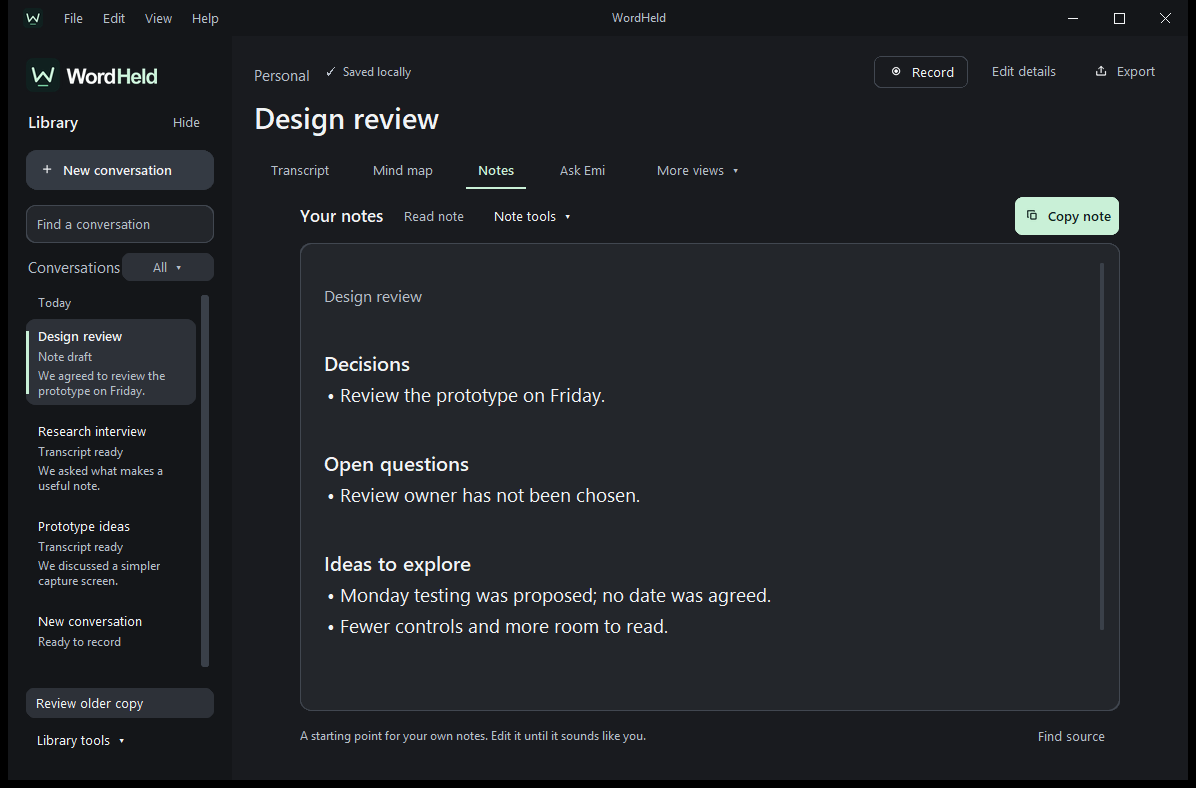
Focus gives you a calmer, distraction-free view for working on your notes.
Open full screenshot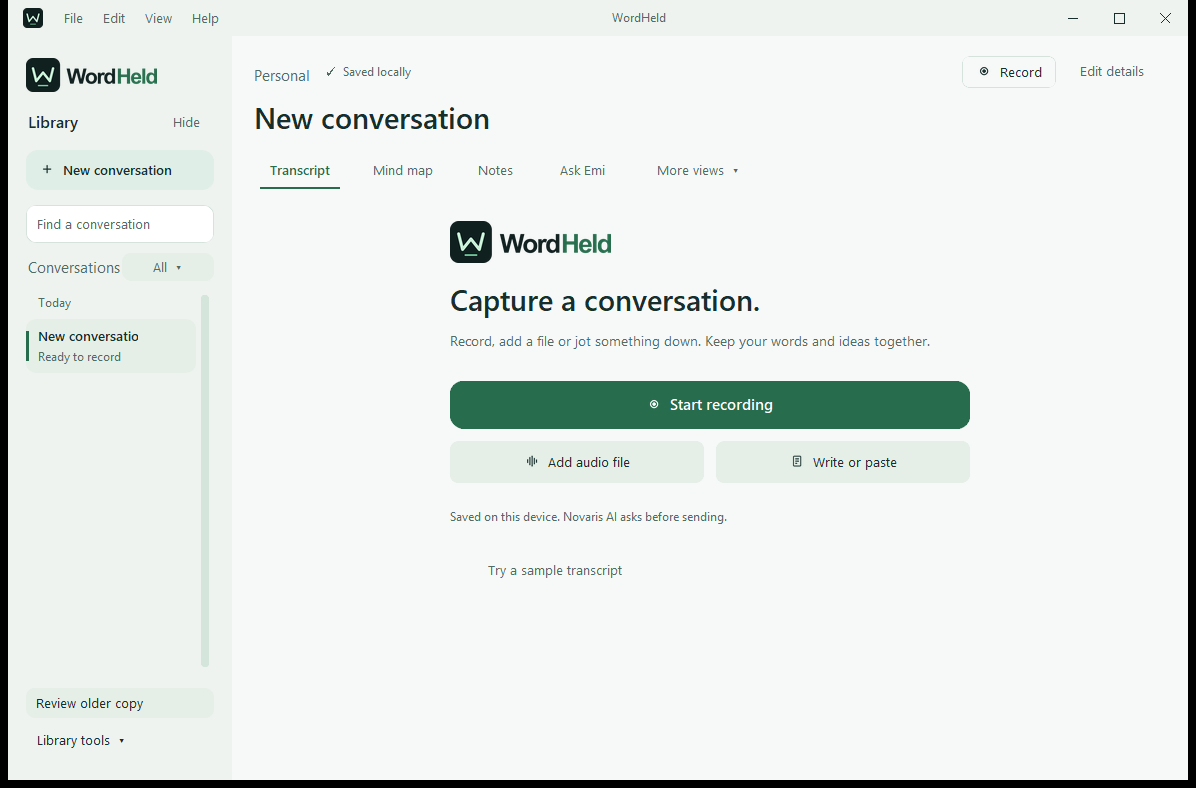
Studio capture view from the local development preview, using demonstration content.
Open full screenshotThese are real screens from the app. The notes shown are sample content, not live AI output. Cloud AI and subscriptions are still in development. Watch the earlier sample-note walkthrough.
AVAILABILITY & APPROACH
Studio and Focus are in a Windows development preview. There’s no public download yet, but you can ask us about trying it.
Your conversations stay on your computer, and current Windows libraries protect stored text and audio. There’s no automatic sync, so back them up yourself, and think about where older copies and exports are kept before using sensitive material.
Cloud AI features are in development and aren’t part of this preview.
WordHeld is in beta, with no public download yet. A Mac version is in development and phone versions are early prototypes. It is not clinically validated and isn’t available for clinical use.
WORDHELD BY NOVASOFT
Read the build story, or ask us about trying the Windows preview.