
 NovaSoft Labs
Free training and tools
Free training and tools,
built for real work
Cyber security training you can assign to your staff, and a builder for print-ready evacuation diagrams. Plus browser tools for IT handovers, network diagrams and room layouts, and Signum for email signatures. Free, with no ads.
Flagship · Staff training
Cyber security training you can give your staff
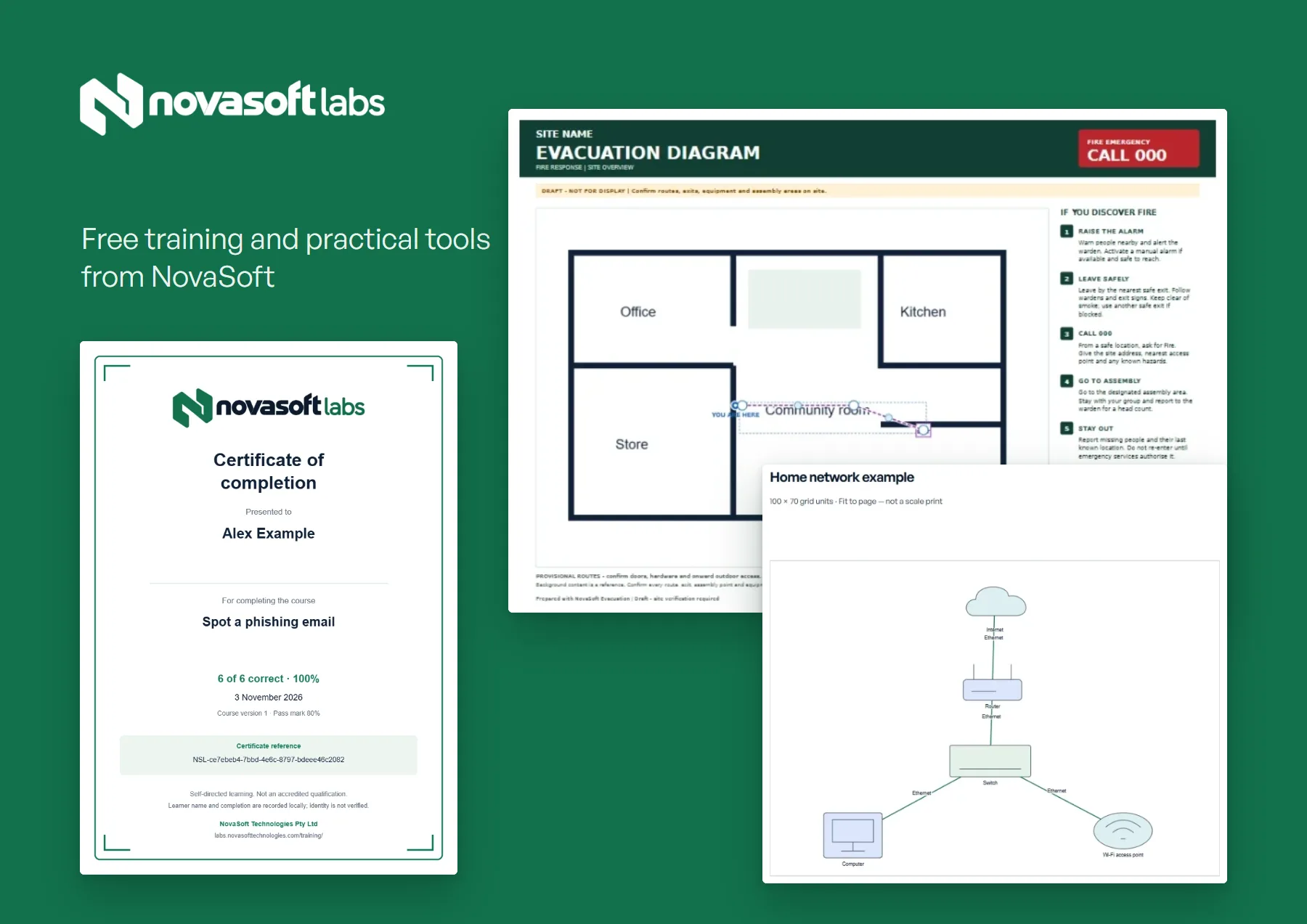
40 short courses on scams, accounts, devices, privacy and everyday tech, including ten Staff essentials courses written for workplaces: handling personal information, data breaches, social engineering, physical security, customer verification and more.
- Clear learning objectives and ten realistic workplace scenarios per course, each with an explanation
- An 80% pass mark and a named certificate with a unique reference
- Ready-made paths for staff induction, customer-facing teams, managers and an annual refresher
- Send one link; staff return their certificates or a CSV learning record
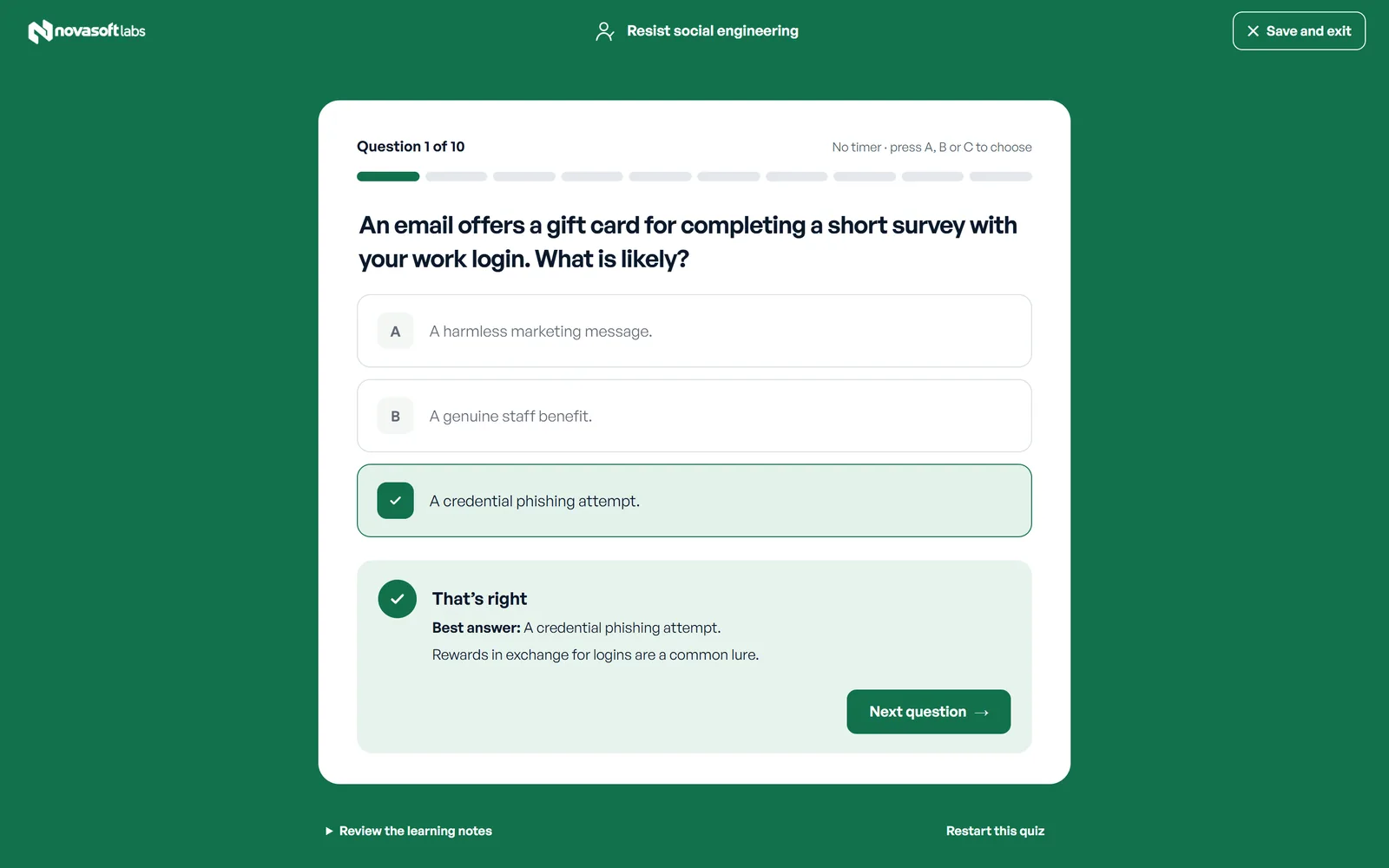
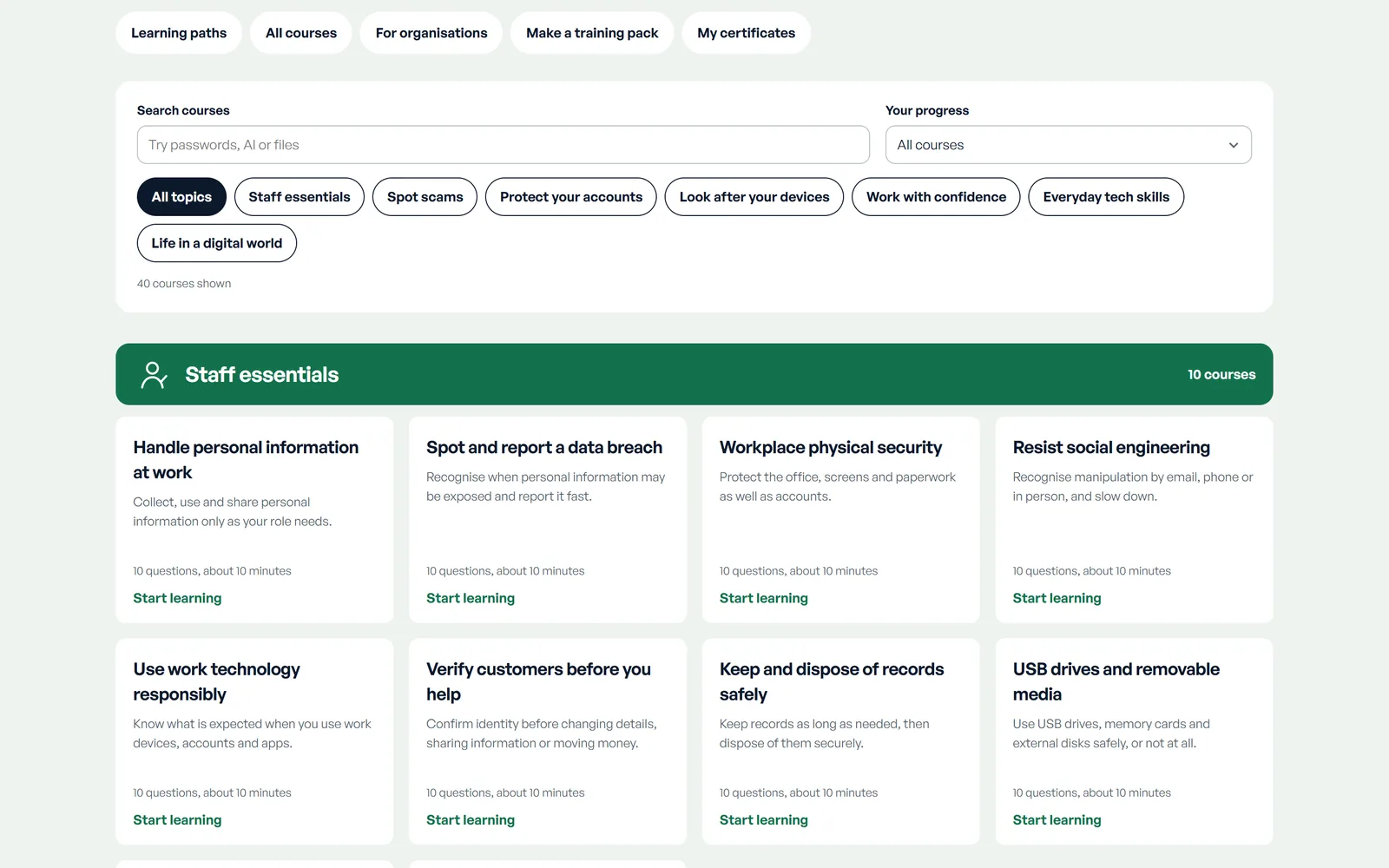
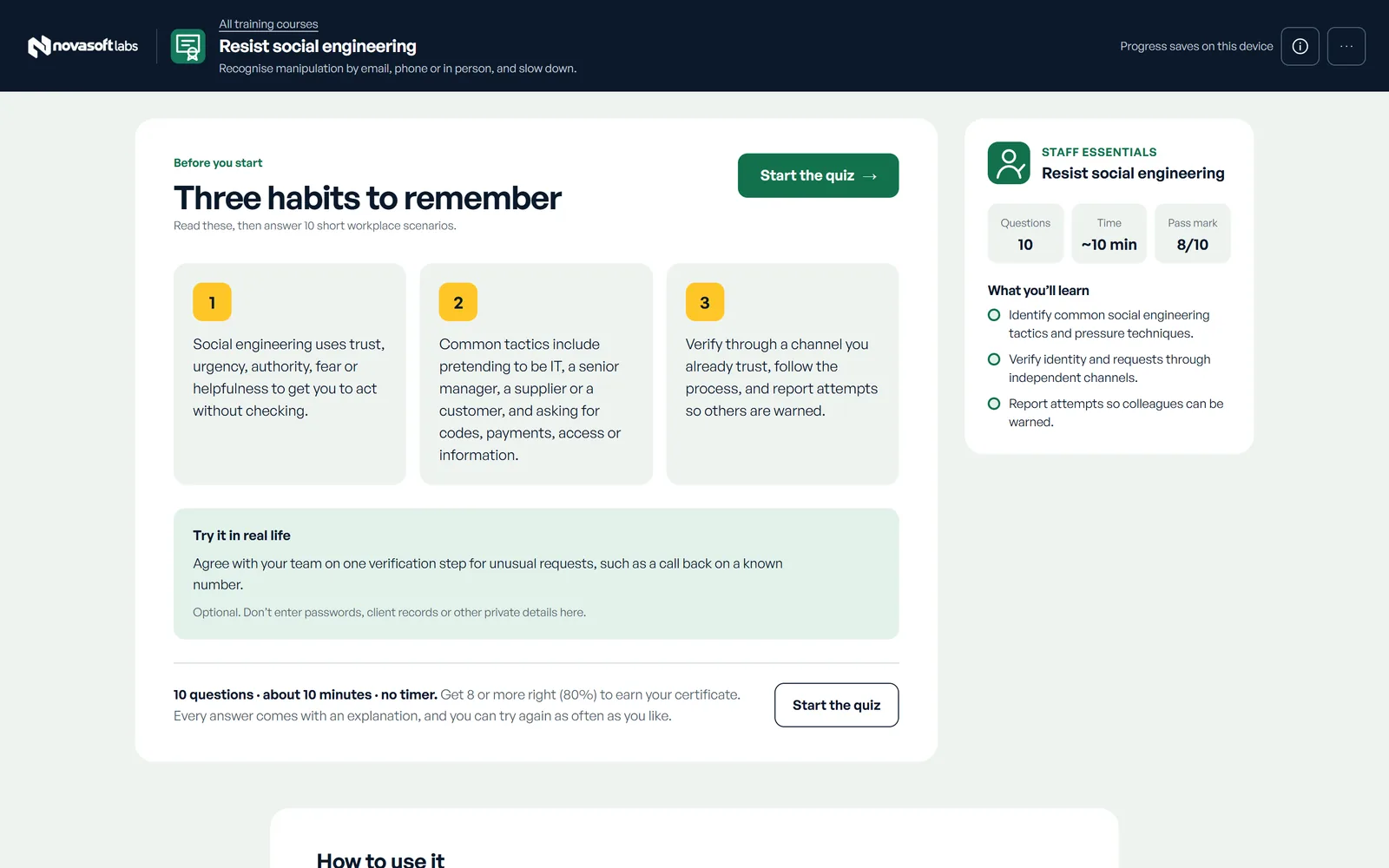
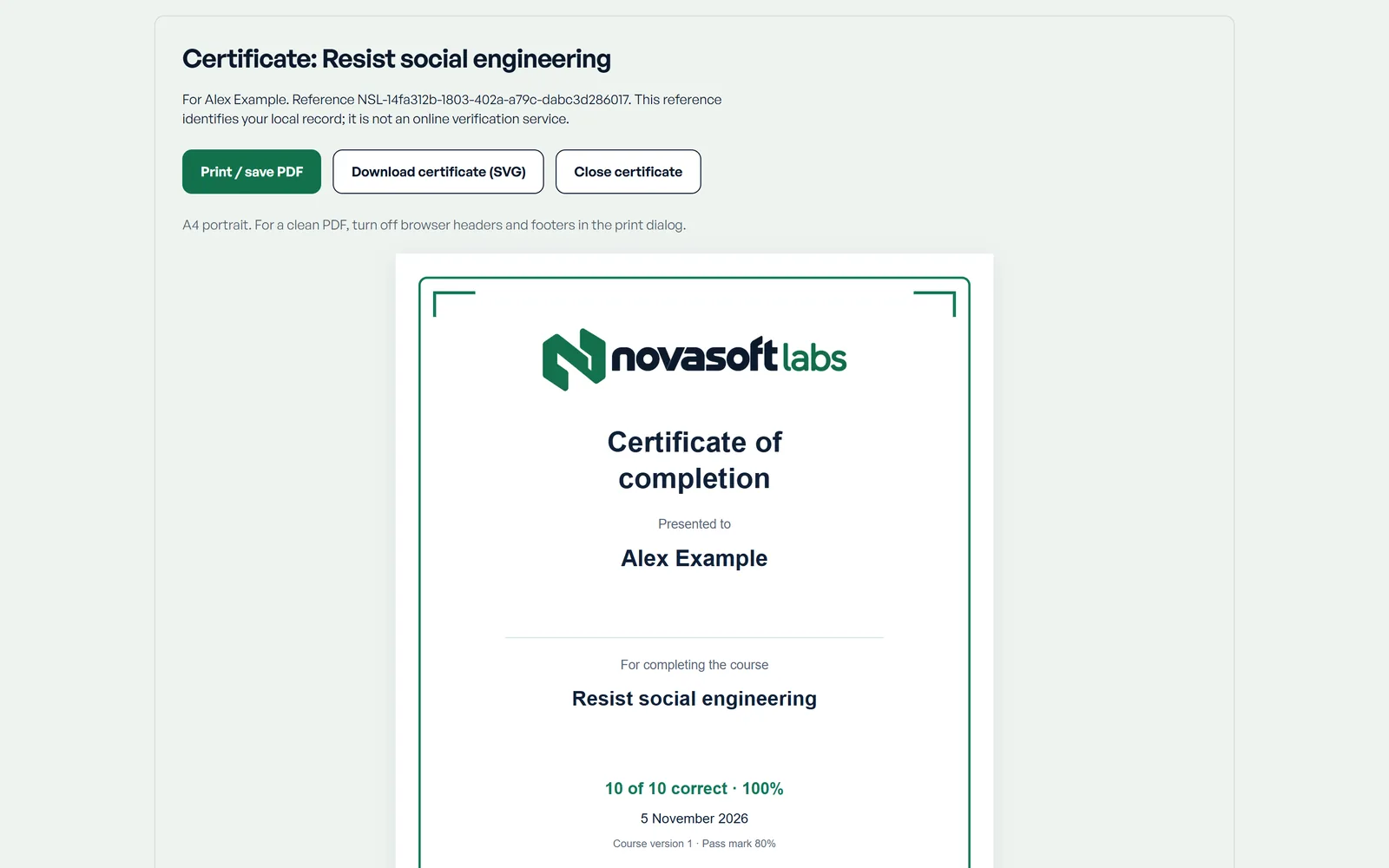
Certificates record self-directed learning. They aren’t an accredited qualification or an identity check, and progress stays on each person’s device.
Flagship · Workplace safety
Evacuation diagrams from your own floor plan
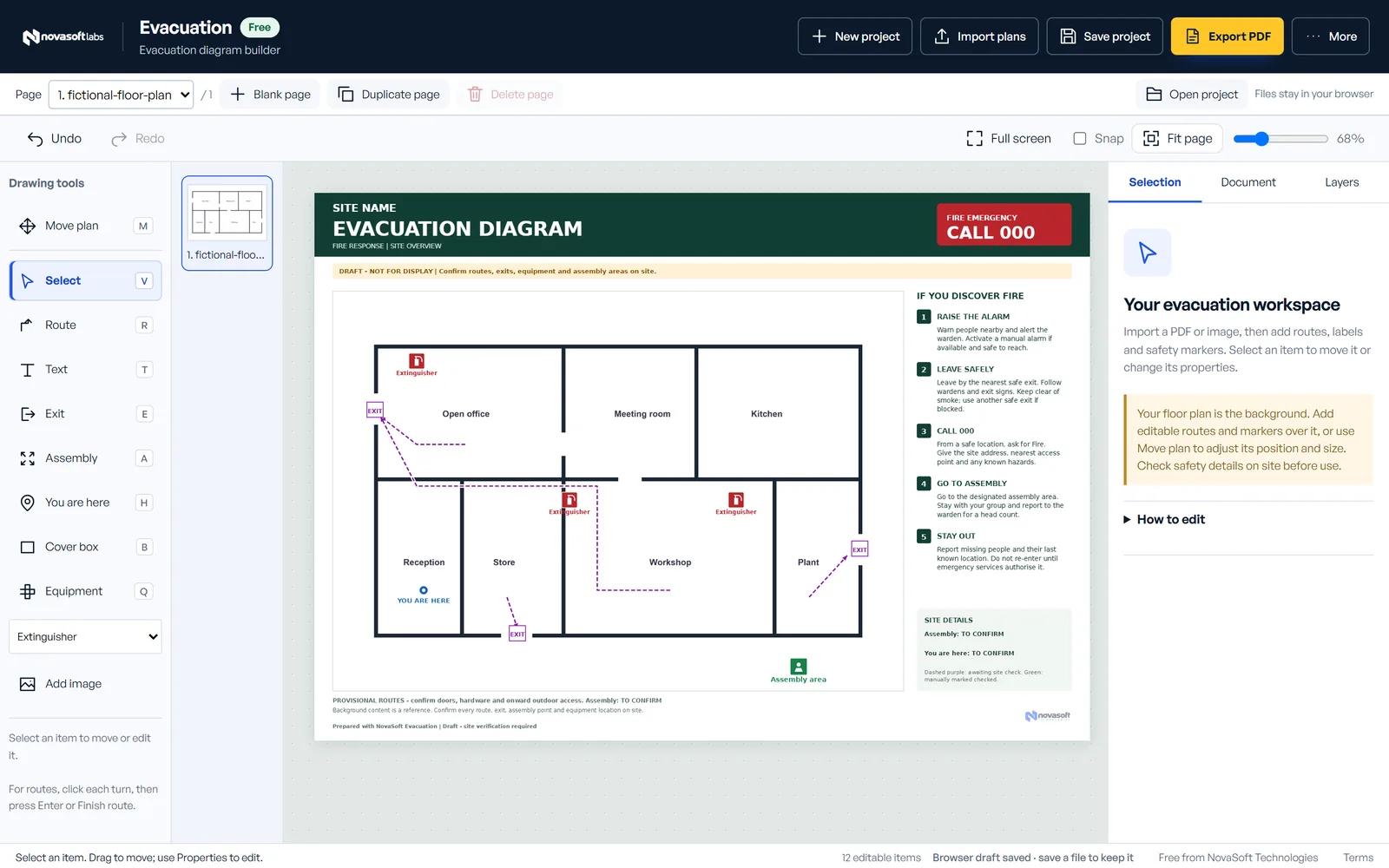
Import a PDF, scan or photo of your floor plan. Mark exit routes, exits, fire equipment, the assembly area and where people are standing, then export a print-ready A4 or A3 PDF.
- Works in the browser, with plans saved on your device
- Multi-page projects for larger sites
- Editable project files you can reopen later
The tools
Everything in Labs
Everything opens in your browser at labs.novasofttechnologies.com.
Training
Short courses and practice exercises for staff, families and anyone who wants to stay safer online.
- Training and quizzes40 free courses on scams, privacy, accounts, devices, AI and everyday tech, including Staff essentials. Pass to print a certificate.↗
- Training packs for your teamPick the courses your staff or clients should do and share one link. Each person keeps their own certificate.↗
- Incident practiceWork through fictional incidents such as a changed supplier invoice. Your choices change the outcome.↗
Client IT work
Document what you install and support, and hand it over properly.
- Client IT handoversEquipment, network snapshot, service owners, contacts and annotated photos, issued as one reviewed pack.↗
- Network diagram builderMap devices, cables, ports and locations, with a printable equipment register.↗
- Rack and patch panel plannerPlan cabinets by rack unit, trace cables through patch panels and print labels.↗
- Wi-Fi site surveysRecord real readings on a floor plan and compare visits in a client report.↗
- Device intake and repairCondition photos, tests, work, parts and final checks, through to a return record.↗
- Backup recovery drillsTime real restore tests, keep evidence and track follow-ups until a retest passes.↗
Plans and layouts
Measured drawings you can print and share.
- Evacuation diagramsTurn a floor plan into a print-ready evacuation diagram with routes, exits and equipment.↗
- Event and market layoutsPlace stalls, marquees, stages and paths on a measured site.↗
- Room and furniture plannerTry furniture sizes and positions to scale before you move anything.↗
- Property services mapMark shut-offs, access points and equipment, with a maintenance register.↗
Documentation and workshop
Records that help the next person, or the next job.
How Labs works
Inside NovaSoft Labs
Why it’s free, where your work goes, and what the certificates mean.
Free, with no ads
Every course and tool is free to use, with no ads. Labs counts page visits to see which tools get used; it doesn’t track you across other sites.
Your work stays on your device
Projects, photos and quiz progress are saved in your own browser and aren’t uploaded to NovaSoft. Download a backup to keep a copy or move your work to another computer. Backups aren’t encrypted, so store them somewhere private.
Certificates you can keep
Pass a course quiz (five of six correct) to print a named completion certificate with a unique reference. It records self-directed learning. It isn’t an accredited qualification or an identity check.
Built from official sources
Courses and tools point to official guidance, such as the Australian Signals Directorate, Scamwatch and the OAIC. Each course lists its sources.
Tools, not advice
Labs helps you draft, record and practise. It doesn’t replace professional advice or a competent person’s check of a site. The evacuation diagram builder doesn’t claim compliance with Australian Standards.
NovaSoft Labs
Start a course or open a tool
Free, and it runs in your browser. Want help rolling Labs out to your team, or have an idea for a tool? Tell us.