Give each part a Tab
Keep tasks and notes together for home, work and the projects you care about.


New app update · refreshed design
A PLACE FOR EVERY PART OF YOUR DAY
Keep home, work and personal projects in separate Tabs, see what’s on Today, and use Plan to get ready for tomorrow.Tasks, notes and plans in one place. No login needed.
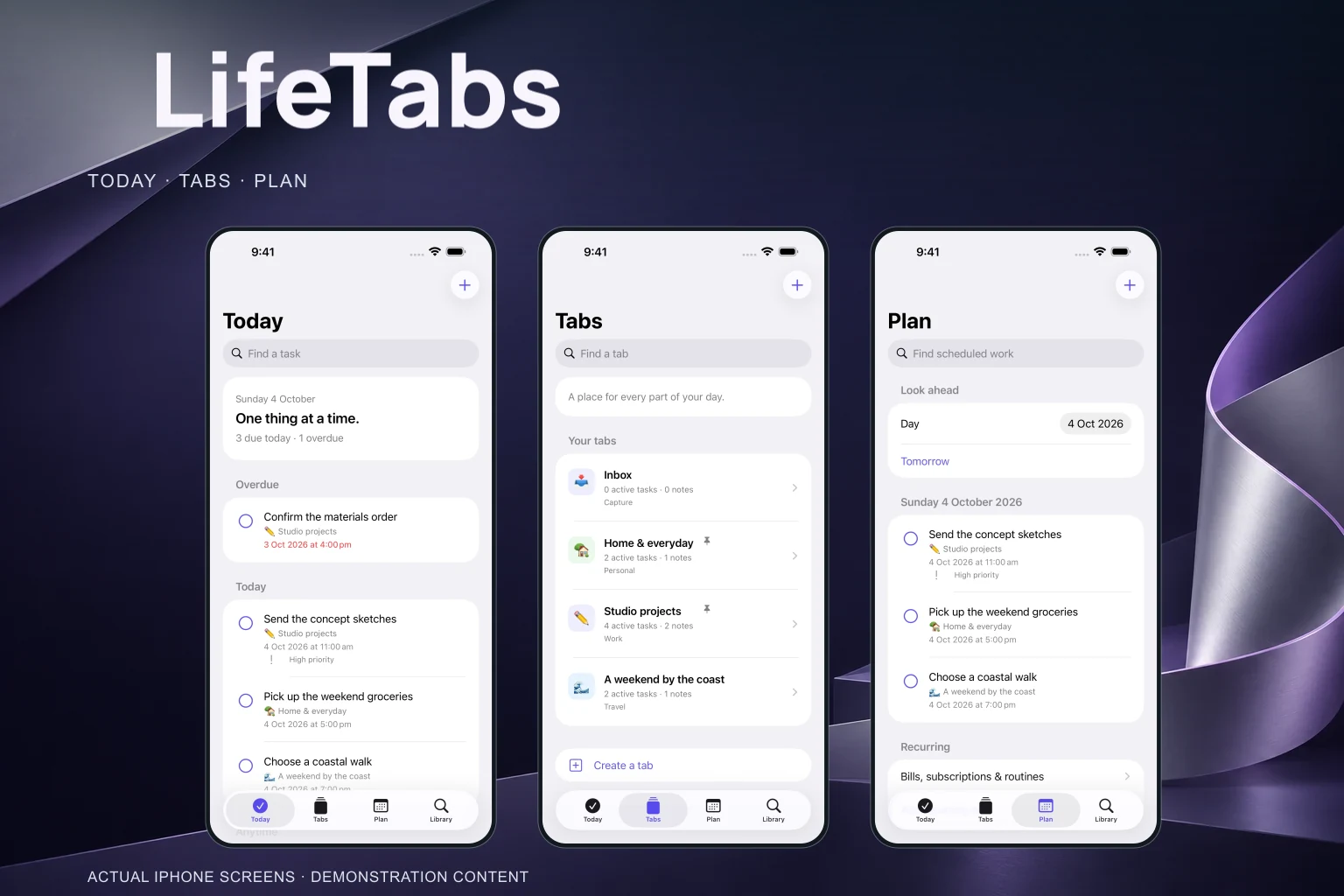
LIFETABS, IN EVERYDAY USE
The redesign gives the main features more room, so everything is easier to find.
Keep tasks and notes together for home, work and the projects you care about.
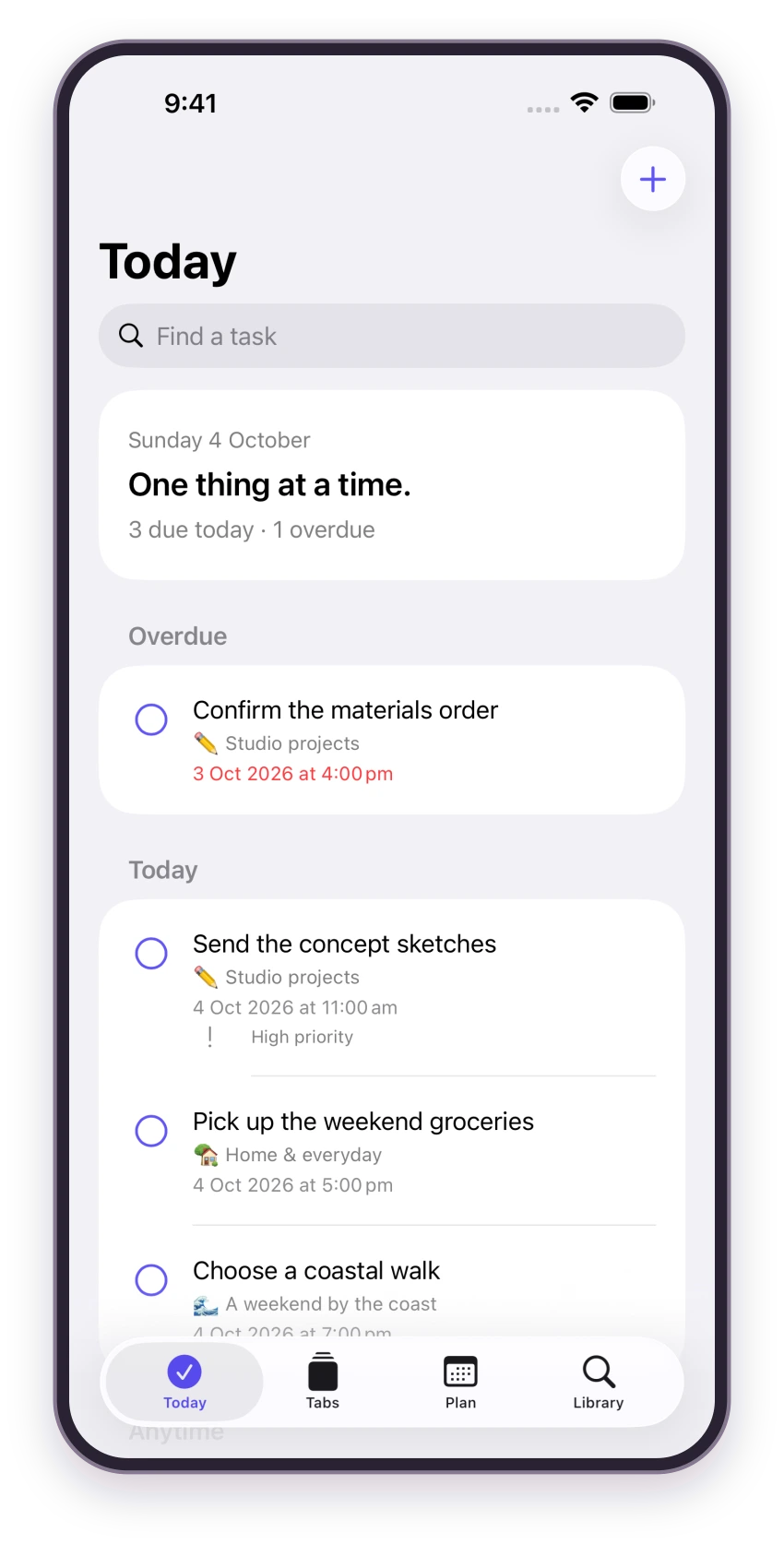
Start each day with Today, then use Plan to get ahead of tomorrow.
Save notes and find any task, Tab or file from the library.
THE NEW LOOK, UP CLOSE
Open any image to see the complete app screen.
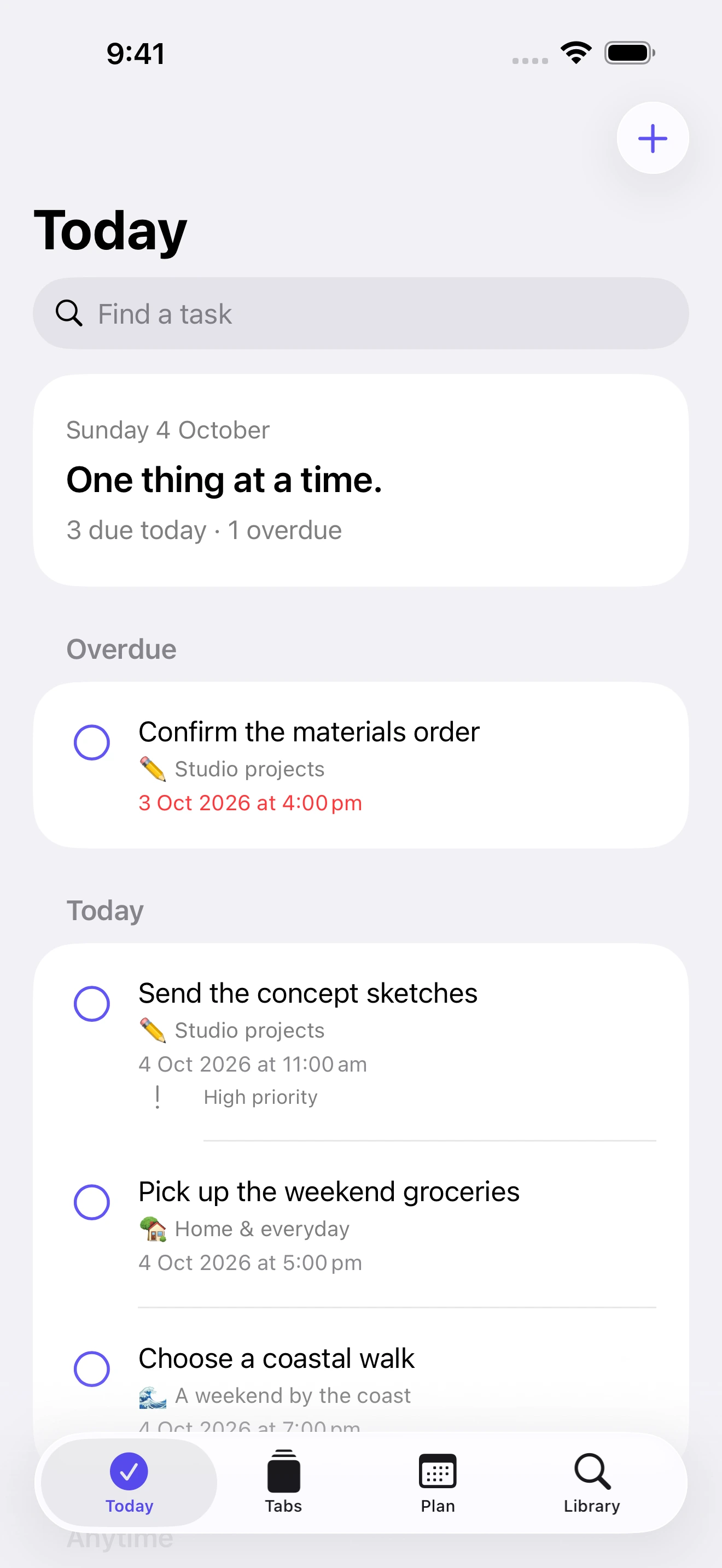
Check the tasks and plans for today.
View full screen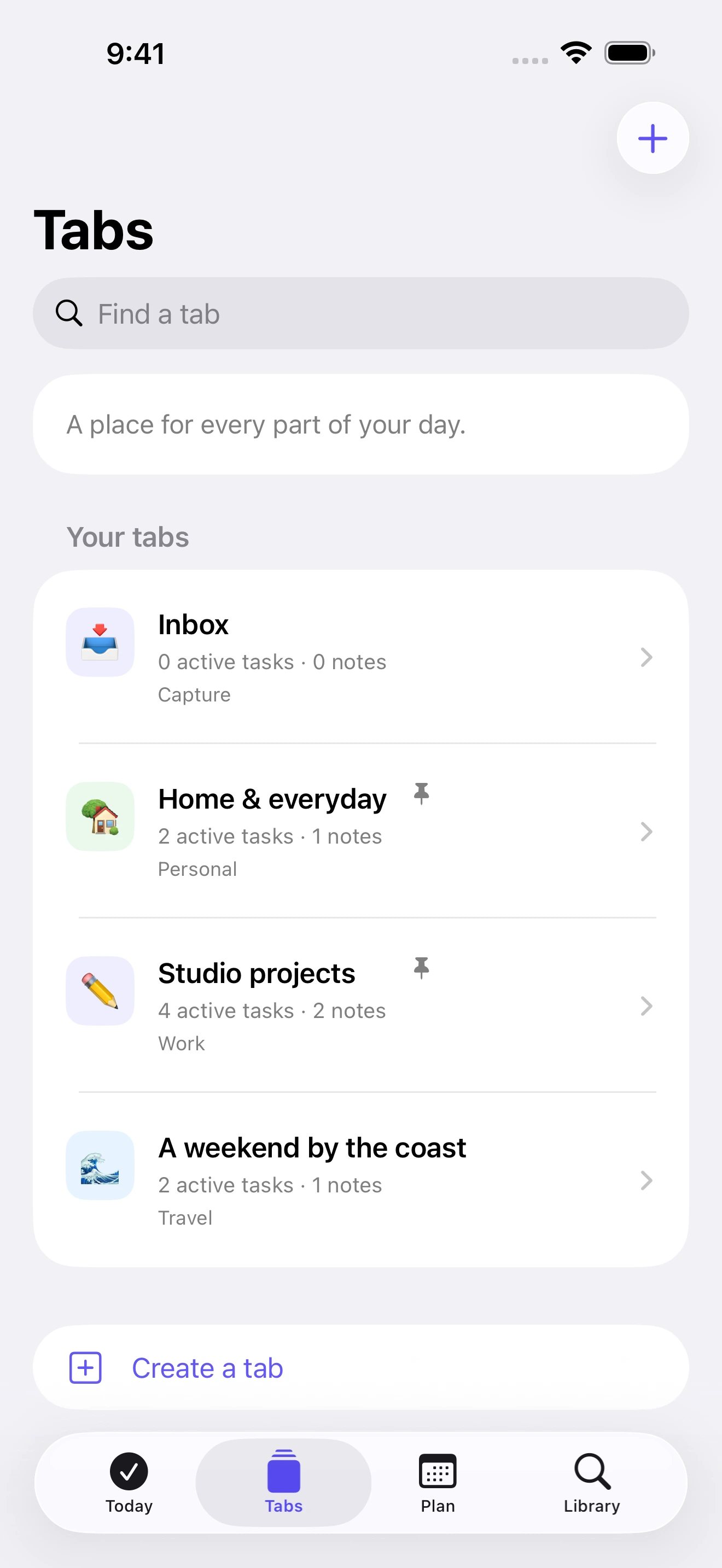
Group tasks and notes by project or part of your life.
View full screen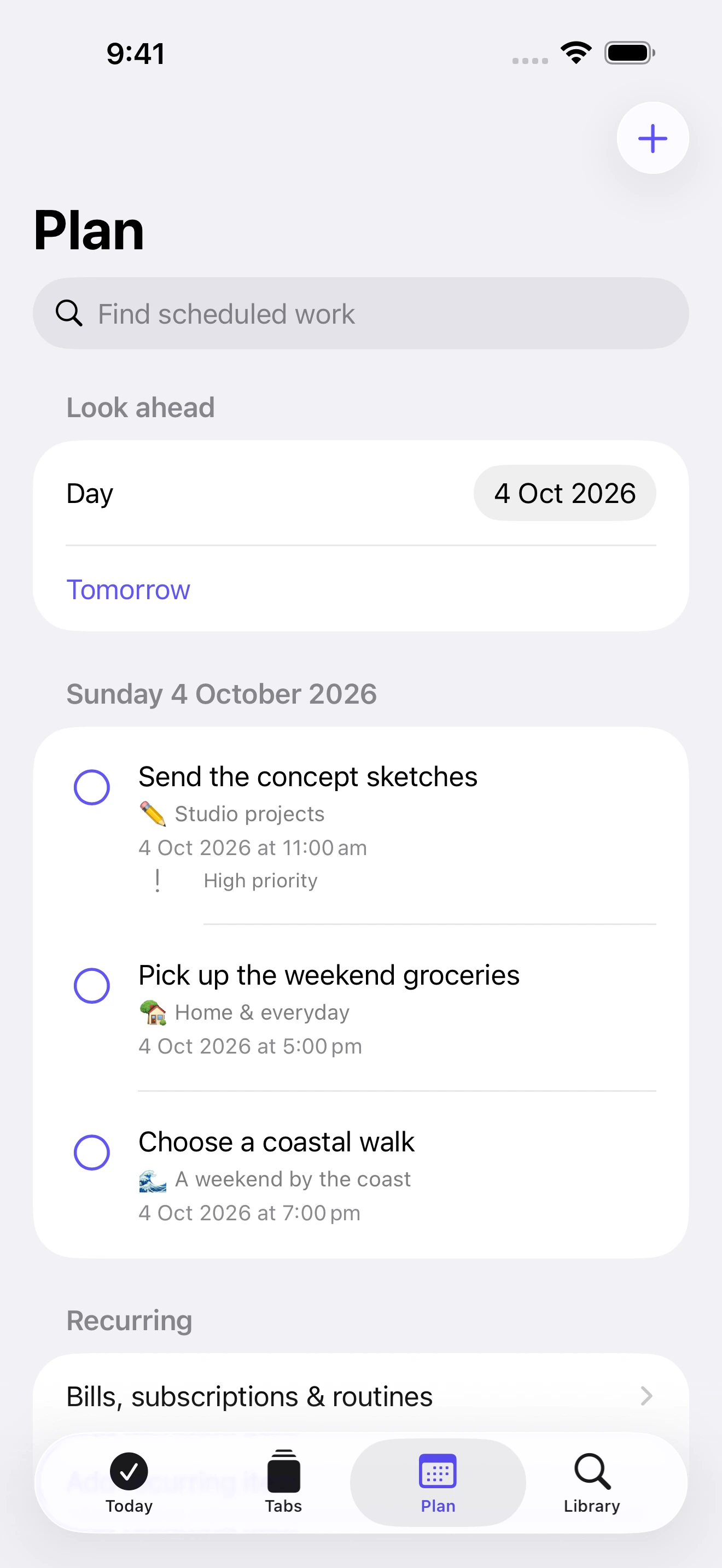
See what is coming and plan ahead.
View full screen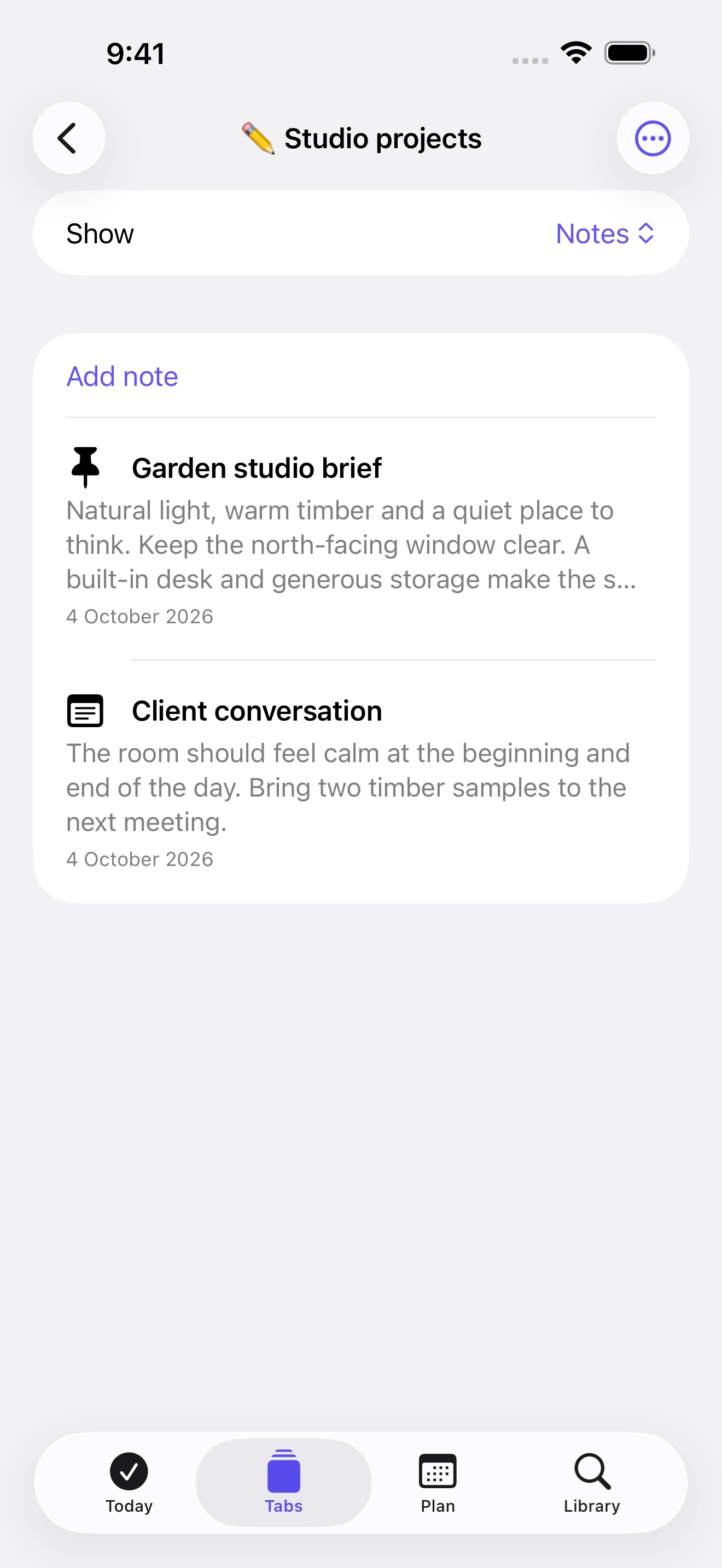
Keep the useful details in the Tab they belong to.
View full screenReal screenshots of the new iPhone version with sample content. Calendar, Health and weather features are optional and depend on your device and permissions.
Free to download from the Australian App Store. Price checked 21 October 2026; check the listing for current details.
Who it’s for
LifeTabs is for anyone keeping track of several parts of life at once: home, work and the projects you care about. Each part gets its own Tab, so tasks and notes stay where they belong.
Common questions
LifeTabs is free to download from the Australian App Store (price checked 21 October 2026). Check the listing for current details.
No login is needed to use LifeTabs.
A Tab groups the tasks and notes for one part of your life or one project, such as home, work or a renovation.
Calendar, Health and weather features are optional. They depend on your device and the permissions you choose to give.
LIFETABS BY NOVASOFT
See the App Store listing for the latest version and device requirements.