
Start with a simple plan
- New staff: assign the Staff induction path in their first week.
- People who handle customers: add the Customer-facing staff path.
- Managers: add the Managers and team leaders path, which covers payments, access and incidents.
- Everyone, once a year: the Annual staff refresher.
| Path | Courses |
|---|---|
| Staff induction | Phishing emails, passwords, MFA, personal information at work, physical security, reporting a cyber incident |
| Customer-facing staff | Verifying customers, social engineering, personal information, suspicious calls, email habits, data breaches |
| Managers and team leaders | Cyber security for managers, payment changes, data breaches, small business habits, acceptable use, AI at work |
| Annual refresher | Phishing, social engineering, MFA, data breaches, removable media, records disposal |
Share the training
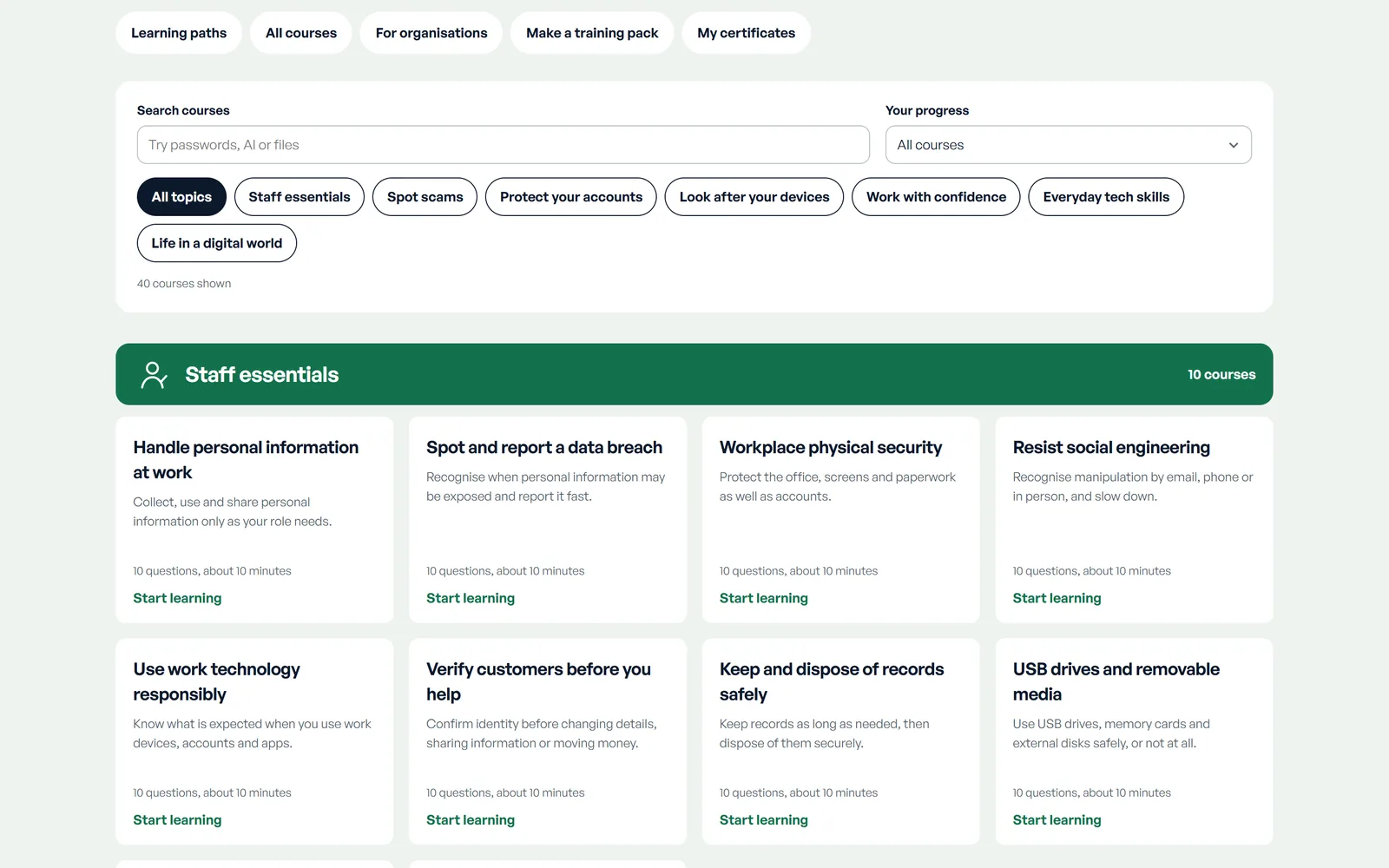
On the Labs training page, open a learning path or build a custom pack by ticking the courses you want. Copy the link and send it by email or put it on your intranet. The link contains only course IDs, never names.
Each course takes about ten minutes. Staff can do them on a computer or phone, one at a time, and pick up where they left off on the same device.
Collect the results
When someone passes a course with 8 out of 10, they add their name and print or download a certificate with a unique reference. They can also download a CSV learning record listing every course they have completed.
Ask staff to send you their certificates or CSV record, and keep them with their HR or training records. Labs doesn’t send results to anyone automatically, because progress stays on each person’s device.
Be clear about what the certificate means: it records self-directed learning with a pass mark. It isn’t an accredited qualification or a proctored exam.
Make it stick
- Talk about one course in a team meeting each month. Real examples from your own inbox help.
- Make reporting easy and blame-free. A staff member who reports a mistake quickly is doing exactly the right thing.
- Practise as a team with the incident practice exercises, which branch based on your decisions.
- Pair training with a written process for payment changes and a clear way to report suspicious messages.
Our Help Centre guide on security awareness for staff covers what good training includes, and the Australian Signals Directorate’s small business cyber security handbook is a useful companion.
Common questions
How long does the training take?
Each course takes about ten minutes. A six-course learning path takes about an hour, which most teams spread across a few weeks.
Can staff do the courses on their phones?
Yes. Courses work on phones, tablets and computers. Progress is saved on the device the person uses, so they should finish a course on the same device.
How do I know who has completed a course?
Ask staff to send you their certificate or CSV learning record. Labs doesn’t report results automatically, because progress stays on each person’s device.
What if someone fails a quiz?
They can review the explanation for every answer and try again as often as they like. Questions and answer options are shuffled each time.
Does the training meet a compliance requirement?
The courses support awareness training, but they don’t certify compliance with any standard or law. Check what your industry, insurer or contracts require, and keep your own records.
Need more than self-directed training?
Some organisations need tracked assignments, reporting or training tailored to their own systems. NovaSoft’s cybersecurity service can help with that. Talk to us about what your team needs.